How to Make Sticky Footer using CSS
Learn how to make a sticky footer using CSS. To stay footer at the bottom of a web page, we can fix the position of it via CSS attribute position: fixed.
Via using this you can create a sticky footer at the bottom of a webpage. whenever page will scroll footer element stay at the bottom always.
Sticky Footer CSS Example:
Use below sticky footer CSS code.
<style>

.footer {
   position: fixed;
   left: 0;
   bottom: 0;
   width: 100%;
   padding-bottom: 50px;
   background-color: red;
   color: white;
   text-align: center;
}

</style>
HTML Code example:
Call the footer CSS in a div element to stay footer at the bottom while scrolling the webpage.
<div class="container">
    <div class="row justify-content-center align-items-center">

	  <div class="col-lg-12">
		<h3>Make sticky footer using CSS</h3>
		<h4>CodeFixUp.com - PHP Programming Blog</h4>
	  </div>

	<div class="footer">
		<h3>This is sticky footer</h3>
    </div>

</div>
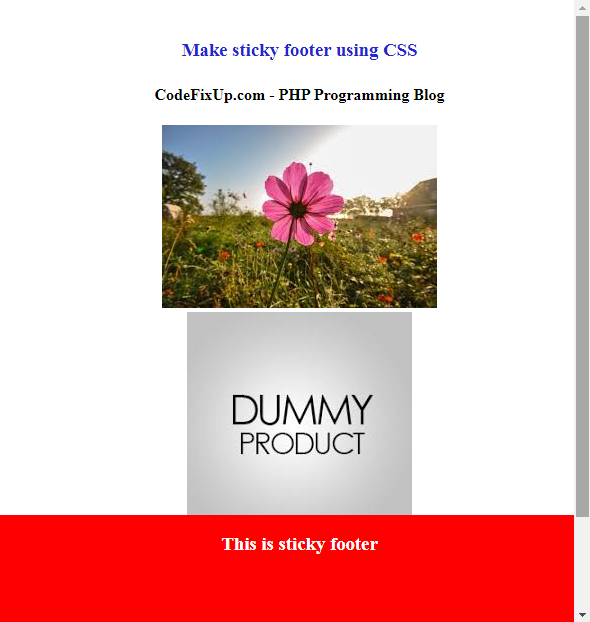
Output: