
PHP SOAP Client: How to Use with Examples (PHP 8)
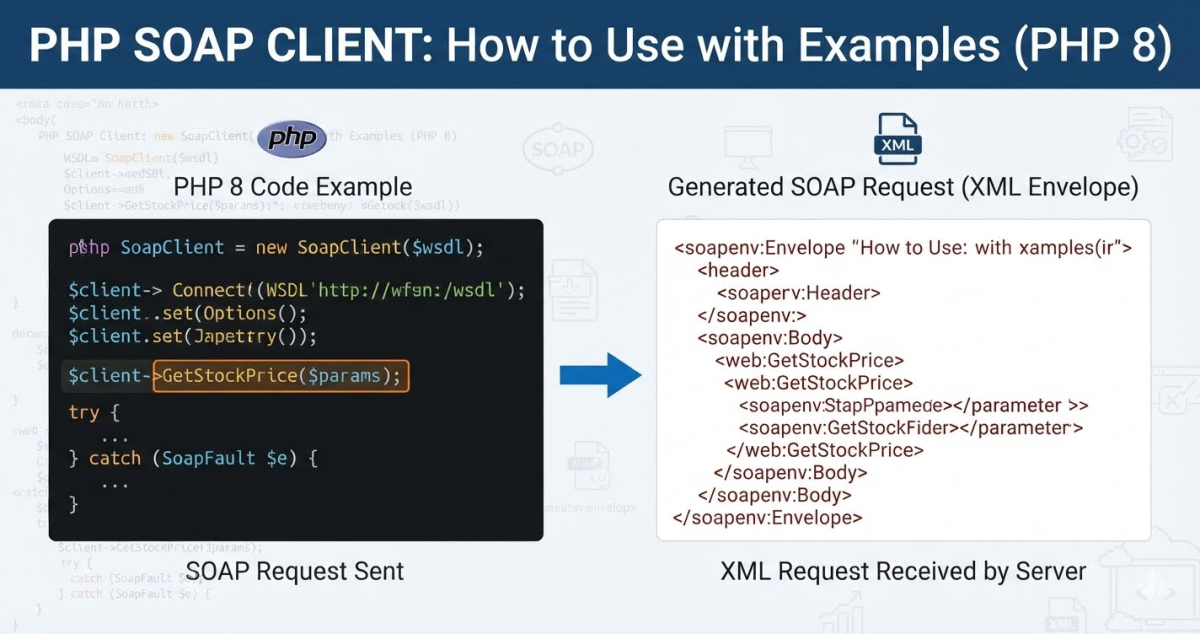
If you have ever had to integrate a payment gateway, a government tax API, or a legacy enterprise system, there’s a good chance SOAP came up. REST APIs get all the attention these days, but SOAP is still widely used in banking, healthcare, and government services and you will eventually run into one that you need to consume from PHP.
PHP programming language a perfectly capable SOAP client built in. No Composer package required. The SoapClient class handles WSDL parsing, XML serialization, type mapping, and authentication options right out of the box.
Prerequisites
Before writing any code, confirm your environment is ready:
- PHP 7.4 or newer (examples in this article are compatible with PHP 8.x)
- The
soapextension enabled inphp.ini - The
opensslextension enabled if you’re connecting to an HTTPS endpoint - The WSDL URL (or the service endpoint and namespace URI for non-WSDL mode)
Check Whether the SOAP Extension Is Enabled
Create a temporary file and call phpinfo():
Load it in a browser and search for “soap”. You should see a SOAP section. If it’s missing, open your php.ini file and look for the following line:
;extension=soap
Remove the leading semicolon to uncomment it, then restart your web server:
On Ubuntu/Debian you can also install the package directly:
sudo apt-get install php8.x-soap
sudo systemctl restart apache2
Replace 8.x with your actual PHP version (e.g., php8.3-soap).
How PHP’s SoapClient Works
When you instantiate SoapClient with a WSDL URL, PHP downloads and parses that file. The WSDL describes all the operations the service exposes, the parameters each operation expects, and the data types it returns. PHP uses this to automatically build the request envelope and deserialize the response.
There are two modes:
| Mode | When to use |
|---|---|
| WSDL mode | You have a WSDL URL. PHP reads it and knows what methods are available. |
| Non-WSDL mode | No WSDL available. You provide the endpoint URL and namespace, and call methods manually. |
WSDL mode is almost always preferable when the WSDL is available. PHP handles most of the XML structure for you, and you can call service methods as if they were native PHP methods.
Basic SOAP Call in WSDL Mode
Here’s the simplest possible example:
<?php

$wsdlUrl = 'https://example.com/service?wsdl';

try {
    $client = new SoapClient($wsdlUrl);
    $result = $client->GetQuote(['symbol' => 'AAPL']);
    var_dump($result);
} catch (SoapFault $e) {
    echo 'SOAP Error: ' . $e->getMessage();
}
What’s happening here:
new SoapClient($wsdlUrl)downloads the WSDL and configures the client automatically.$client->GetQuote(...)calls theGetQuoteoperation on the remote service. PHP builds the SOAP envelope, sends the HTTP POST, and returns a decoded response.
Always wrap SOAP calls in a try/catch. Network issues, authentication failures, and SOAP faults all surface as SoapFault.
Useful Constructor Options
The SoapClient constructor accepts an options array as its second argument. These are the options you’ll actually use in practice:
<?php

$client = new SoapClient('https://example.com/service?wsdl', [
    'trace'              => true,        // Enables request/response capture for debugging
    'exceptions'         => true,        // Throw SoapFault on errors (default: true)
    'soap_version'       => SOAP_1_2,   // Use SOAP 1.2 (default is SOAP_1.1)
    'encoding'           => 'UTF-8',    // Internal character encoding
    'connection_timeout' => 10,         // Timeout in seconds for the connection
    'cache_wsdl'         => WSDL_CACHE_NONE, // Disable WSDL caching during development
]);
trace => true is important during development. Without it, the debugging methods (__getLastRequest(), __getLastResponse()) return null.
cache_wsdl => WSDL_CACHE_NONE prevents PHP from serving a stale cached WSDL during development. In production you should leave caching on (the default) because downloading and parsing the WSDL on every request adds unnecessary overhead.
connection_timeout controls only how long PHP waits to establish the connection. It does not control how long PHP waits for the server to respond. To set a global socket read timeout, use default_socket_timeout in php.ini or ini_set('default_socket_timeout', 30).
Available cache_wsdl constants
| Constant | Behaviour |
|---|---|
WSDL_CACHE_NONE | No caching |
WSDL_CACHE_DISK | Cache to disk (shared across processes) |
WSDL_CACHE_MEMORY | Cache in memory (current process only) |
WSDL_CACHE_BOTH | Disk and memory |
Soap Client Calling a Service Method With Parameters
SOAP operations typically expect parameters wrapped in an associative array. Exactly how you structure that array depends on what the WSDL defines.
<?php

try {
    $client = new SoapClient('https://example.com/orders?wsdl', ['trace' => true]);

    $params = [
        'orderId'  => 12345,
        'currency' => 'USD',
    ];

    $result = $client->GetOrderStatus($params);

    echo 'Status: ' . $result->status . PHP_EOL;
    echo 'Updated: ' . $result->updatedAt . PHP_EOL;

} catch (SoapFault $e) {
    echo 'Fault: ' . $e->getMessage() . PHP_EOL;
}
The response is typically a stdClass object with properties matching the WSDL’s return type. Access them with the -> operator as shown above.
If you need to check what methods the service exposes, call __getFunctions():
<?php

$client = new SoapClient('https://example.com/service?wsdl');
print_r($client->__getFunctions());
This returns an array of function signatures as strings useful when you don’t have documentation and need to figure out what parameters a method expects.
Read our guide on: How to Post SOAP Envelope XML Request From PHP
Soap Client HTTP Authentication
Many SOAP services protect their endpoints with HTTP Basic Authentication. Pass the credentials in the options array never hardcode them directly in your source file:
<?php

$client = new SoapClient('https://example.com/secure?wsdl', [
    'login'    => getenv('SOAP_USERNAME'),
    'password' => getenv('SOAP_PASSWORD'),
    'trace'    => true,
]);
Pulling credentials from environment variables keeps them out of version control.
For HTTP Digest Authentication, add the authentication option:
$client = new SoapClient('https://example.com/secure?wsdl', [
    'login'          => getenv('SOAP_USERNAME'),
    'password'       => getenv('SOAP_PASSWORD'),
    'authentication' => SOAP_AUTHENTICATION_DIGEST,
]);
SOAP Headers (WS-Security and Custom Headers)
Some services require a SOAP header, WS-Security tokens are the most common example. Use SoapHeader to create the header and pass it via __setSoapHeaders() or directly in __soapCall().
<?php

class SecurityCredentials
{
    public string $Username;
    public string $Password;

    public function __construct(string $username, string $password)
    {
        $this->Username = $username;
        $this->Password = $password;
    }
}

try {
    $client = new SoapClient('https://example.com/service?wsdl', ['trace' => true]);

    $credentials = new SecurityCredentials(
        getenv('SOAP_USERNAME'),
        getenv('SOAP_PASSWORD')
    );

    $header = new SoapHeader(
        'https://example.com/security',  // Namespace
        'SecurityHeader',                // Header name
        $credentials,                    // Header value (object or array)
        false                            // Must understand (false = optional)
    );

    $client->__setSoapHeaders($header);

    $result = $client->GetData(['id' => 99]);
    var_dump($result);

} catch (SoapFault $e) {
    echo 'Fault: ' . $e->getMessage();
}
Once set via __setSoapHeaders(), the header is attached to all subsequent calls made through that client instance. To send a header for a single call only, pass it as the fourth argument to __soapCall():
$result = $client->__soapCall('GetData', [['id' => 99]], null, $header);Non-WSDL Mode
When no WSDL is available, pass null as the first argument and provide the location and uri options instead:
<?php

try {
    $client = new SoapClient(null, [
        'location'   => 'https://example.com/soap-endpoint',
        'uri'        => 'https://example.com/namespace',
        'trace'      => true,
        'exceptions' => true,
    ]);

    $result = $client->__soapCall('GetData', [
        new SoapParam('value1', 'param1'),
        new SoapParam('value2', 'param2'),
    ]);

    var_dump($result);

} catch (SoapFault $e) {
    echo 'Fault: ' . $e->getMessage();
}
In non-WSDL mode you lose the automatic type mapping that WSDL provides. Use SoapParam to name each parameter explicitly so PHP builds the correct XML element names in the request envelope.
Troubleshooting Common Errors
SoapFault: WSDL: Couldn't load from URL
The WSDL URL is unreachable. Causes: the URL is wrong, the remote server is down, your server’s firewall is blocking outbound HTTP, or the WSDL is served over HTTPS and openssl isn’t enabled. Check with:
curl -I https://example.com/service?wsdl
If that works from the command line but PHP fails, the issue is likely allow_url_fopen being disabled or a missing SSL certificate bundle (curl.cainfo / openssl.cafile in php.ini).
Fatal error: Call to undefined function SoapClient()
The SOAP extension isn’t enabled. Check phpinfo() and uncomment extension=soap in php.ini (see the Prerequisites section above).
SoapFault: HTTP: Error Fetching http headers
This usually means the remote server closed the connection while PHP was waiting. Common causes: a slow service hitting the default_socket_timeout limit, or a KeepAlive mismatch. Try:
$client = new SoapClient('https://example.com/service?wsdl', [
    'keep_alive' => false,
]);
Disabling Keep alive forces a fresh connection per request and often resolves this.
Response properties are null unexpectedly
If the WSDL returns a single-element array, PHP may return it as a direct object property rather than a one-element array. Use the SOAP_SINGLE_ELEMENT_ARRAYS feature flag to force consistent array wrapping:
$client = new SoapClient('https://example.com/service?wsdl', [
    'features' => SOAP_SINGLE_ELEMENT_ARRAYS,
]);
With this flag, all repeated elements in the response are always returned as arrays, even when only one item is present.
Stale data / unexpected responses in development
WSDL caching is enabled by default. If you’re testing against a service whose WSDL has changed, disable caching during development:
ini_set('soap.wsdl_cache_enabled', 0);Or pass 'cache_wsdl' => WSDL_CACHE_NONE in the constructor options.